
CMYK Printer
Test Page
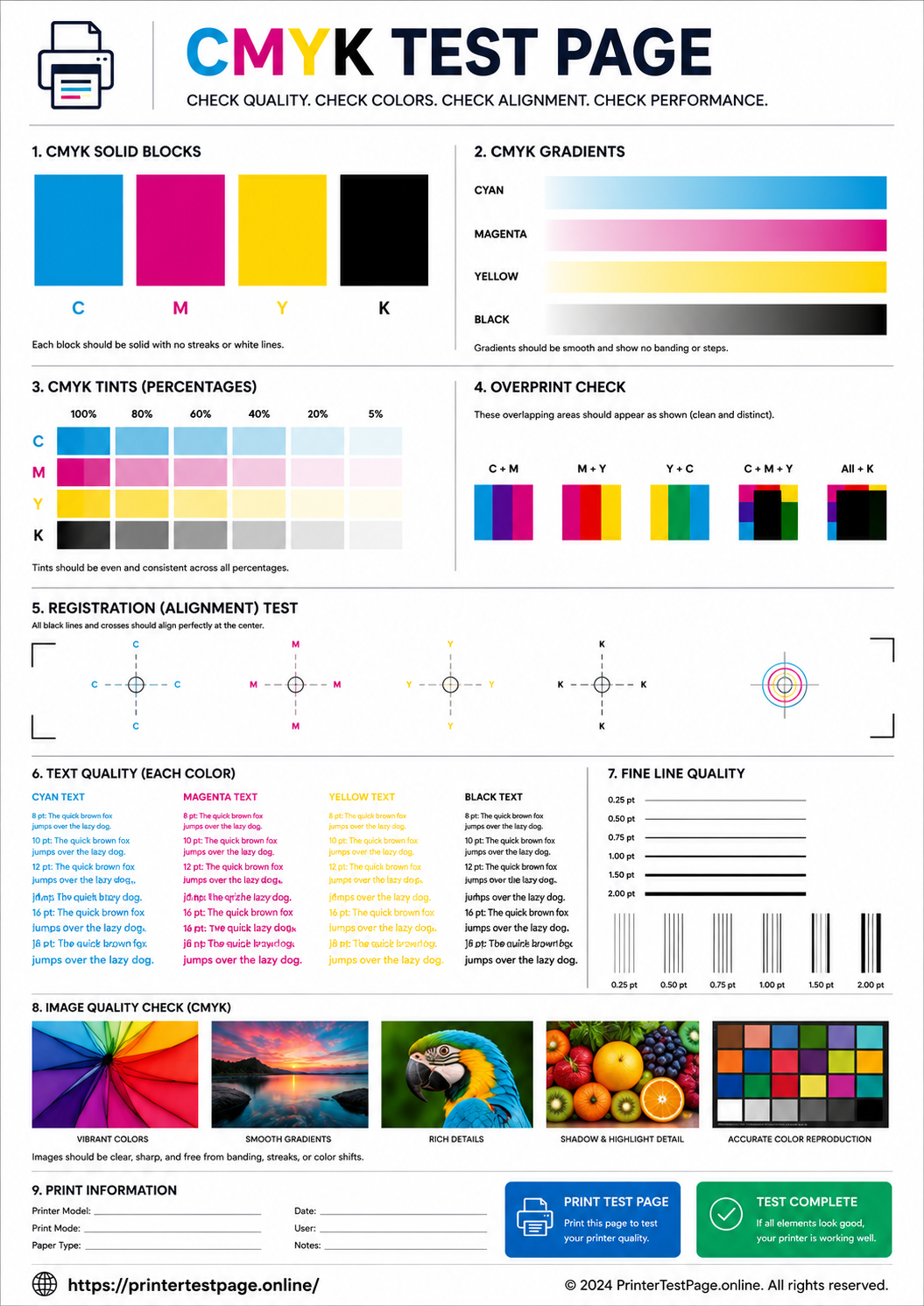
Print this CMYK test page to check Cyan, Magenta, Yellow and Black ink levels individually. Identify which cartridge needs attention, verify color registration and ensure balanced CMYK output.
CMYK TEST PAGE PREVIEW
Below is a preview of the CMYK test page. Click print to get the best results.
WHAT DOES THIS TEST PAGE CHECK?
This CMYK test page isolates each of the four print channels so you can pinpoint exactly which cartridge or nozzle needs attention.
Cyan Channel
Test cyan ink output from light to full saturation to detect blockages or low ink.
Magenta Channel
Verify magenta ink prints evenly across all density levels without gaps.
Yellow Channel
Check yellow ink output accuracy and consistent density throughout.
Black (Key) Channel
Confirm black ink prints at full density with sharp edges and no fading.
Color Registration
Check if all four color layers align precisely without offset or ghosting.
CMYK Balance
Verify that all four channels produce equal intensity for proper color mixing.
HOW TO READ THE RESULTS
RELATED TEST PAGES
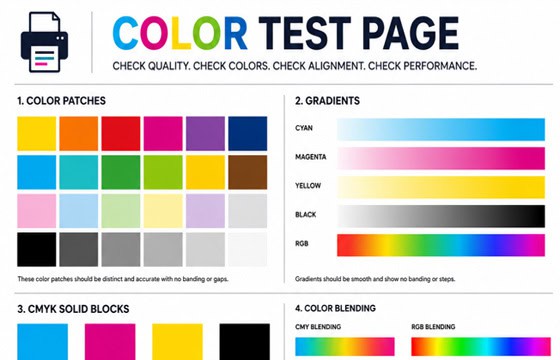
Color Test Page
Full color accuracy and quality check.
View Page →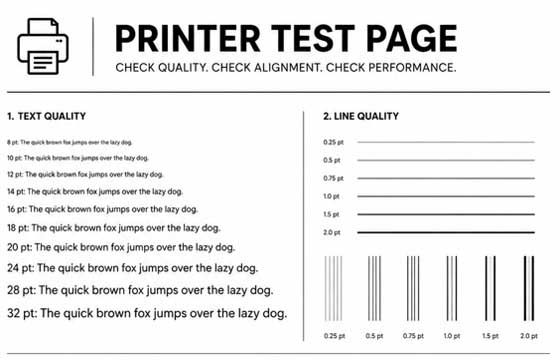
Black & White Test Page
Test black ink density and sharpness.
View Page →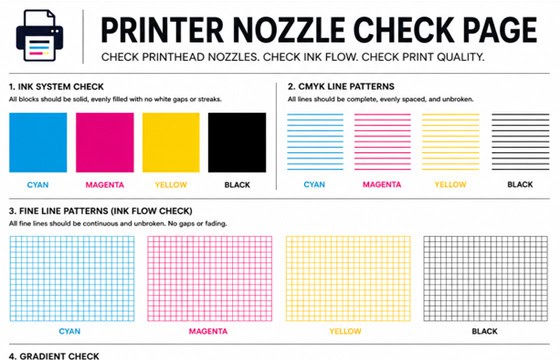
Nozzle Check Page
Detect clogged nozzles and gaps.
View Page →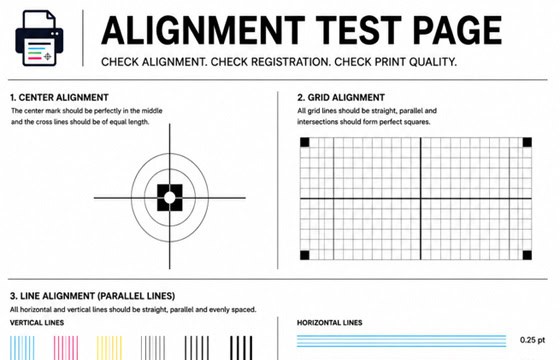
Alignment Test Page
Check print alignment and positioning.
View Page →
Photo Print Test Page
Test photo quality and color depth.
View Page →Frequently Asked Questions
A CMYK test page is a diagnostic print that tests all four primary ink channels used in color printing: Cyan (C), Magenta (M), Yellow (Y), and Key/Black (K). Unlike a general color test page, the CMYK page isolates each channel separately so you can see exactly which cartridge is underperforming, empty, or has clogged nozzles. This makes it the most precise tool for diagnosing individual cartridge problems.
Print this CMYK test page and compare each color bar. If the Cyan bar is faint or missing, your Cyan cartridge needs attention. The same applies for Magenta, Yellow, and Black. A completely missing bar means the cartridge is likely empty. A faint or streaky bar means the nozzle may be clogged — try running 2-3 printhead cleaning cycles before replacing.
Color registration refers to how precisely the four CMYK color layers align on the printed page. When registration is correct, all colors overlap exactly where they should, producing sharp, clean images. When registration is off, you will see color fringing, ghosting, or blurred edges where different colors do not line up. Running the printhead alignment utility in your printer settings usually fixes this issue.
Yes, this CMYK test page works with both inkjet and color laser printers. For inkjet printers, it tests ink flow through each nozzle group. For color laser printers, it tests toner output from each cartridge and drum unit. It is compatible with all major brands including HP, Canon, Epson, Brother, Samsung, Xerox, and Lexmark color printers.