
Printer Nozzle Check
Test Page
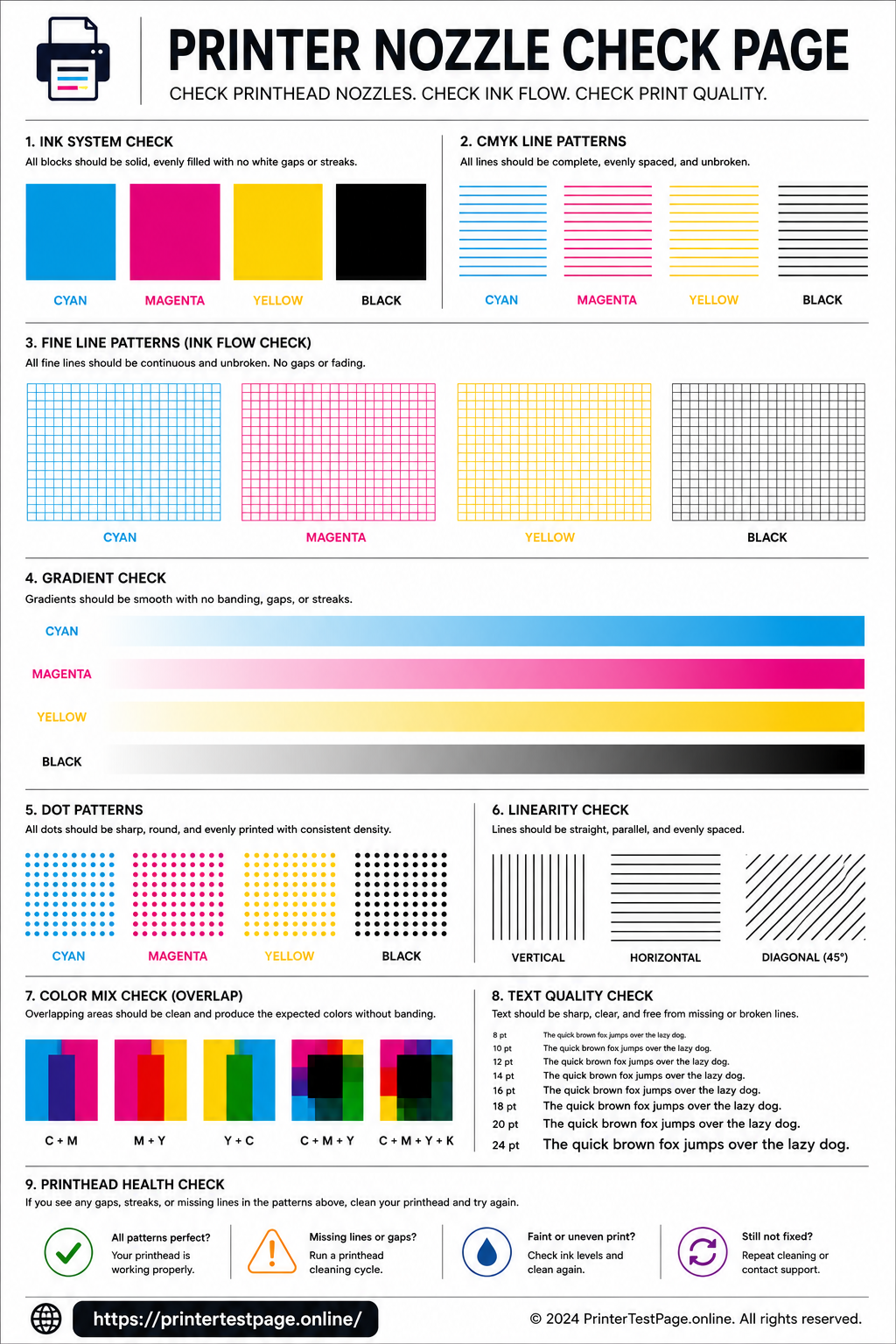
Print this nozzle check test page to detect clogged nozzles, missing lines, ink flow problems, and partial blockages. Verify your printhead cleaning was successful and ensure every nozzle fires correctly.
NOZZLE CHECK TEST PAGE PREVIEW
Below is a preview of the nozzle check test page. Click print to get the best results.
WHAT DOES THIS TEST PAGE CHECK?
This nozzle check test page examines every aspect of your printhead’s nozzle health and ink delivery system.
Clogged Nozzles
Detect completely blocked nozzles that produce gaps, white lines, or missing sections in your prints.
Missing Lines
Identify broken or incomplete horizontal lines that indicate specific nozzle groups are not firing.
Partial Blockage
Spot nozzles that are partially blocked — printing faint, uneven, or streaky output instead of clean lines.
Ink Flow Check
Verify that ink flows consistently from the cartridge through the printhead to the paper without interruption.
Cleaning Effectiveness
Print before and after cleaning to confirm the printhead cleaning cycle successfully restored nozzle function.
Nozzle Pattern
Check the overall nozzle firing pattern to ensure uniform ink distribution across the full print width.
HOW TO READ THE RESULTS
RELATED TEST PAGES
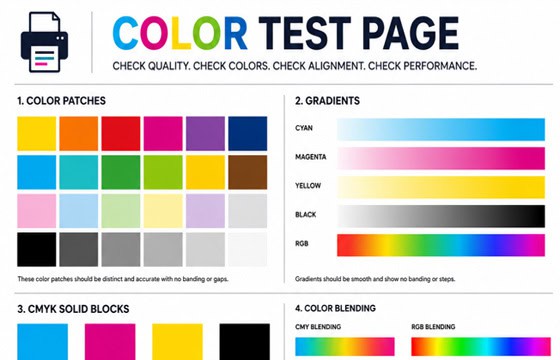
Color Test Page
Full color accuracy and quality check.
View Page →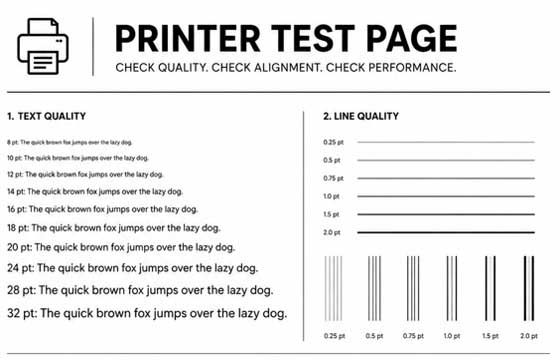
Black & White Test Page
Test black ink density and sharpness.
View Page →
CMYK Test Page
Check individual CMYK channels.
View Page →
Alignment Test Page
Verify print alignment and margins.
View Page →
Photo Print Test Page
Test photo quality and color depth.
View Page →Frequently Asked Questions
A nozzle check test page is a diagnostic print designed to test whether every nozzle in your printhead is firing correctly. It prints a series of fine lines and color blocks that make it easy to spot clogged nozzles, missing ink channels, partial blockages, and irregular ink flow. It is the most important diagnostic tool for inkjet printer maintenance and should be printed before and after any printhead cleaning cycle.
Start by running your printer’s built-in cleaning utility — on HP go to Setup > Tools > Clean Printhead, on Canon use Maintenance > Cleaning, on Epson use the Epson Printer Utility > Head Cleaning. Run 1–2 standard cleaning cycles first, waiting 5 minutes between each. If clogs persist, run a deep cleaning cycle. For severe clogs, remove the printhead (if removable) and soak it in warm distilled water for 10–15 minutes, then blot dry with a lint-free cloth before reinstalling.
Run a nozzle check whenever you notice print quality issues such as faded colors, streaks, missing lines, or banding. As a preventive measure, printing a nozzle check page once a month is a good habit. If your printer sits idle for more than two weeks, always run a nozzle check before starting an important print job, as ink can dry in the nozzles during periods of inactivity.
Nozzle check test pages are specifically designed for inkjet printers, which use tiny nozzles to spray ink onto paper. Laser printers use a completely different technology — they fuse toner powder with heat — and do not have nozzles. If you have a laser printer and are experiencing print quality issues, use a color test page or black and white test page instead to diagnose toner coverage, fuser, and drum problems.