
Printer Calibration
Test Page
Print this calibration test page to fine-tune your printer’s color accuracy, grayscale balance, line sharpness, and density uniformity. Achieve professional-grade output by calibrating your printer with precision diagnostic patterns.
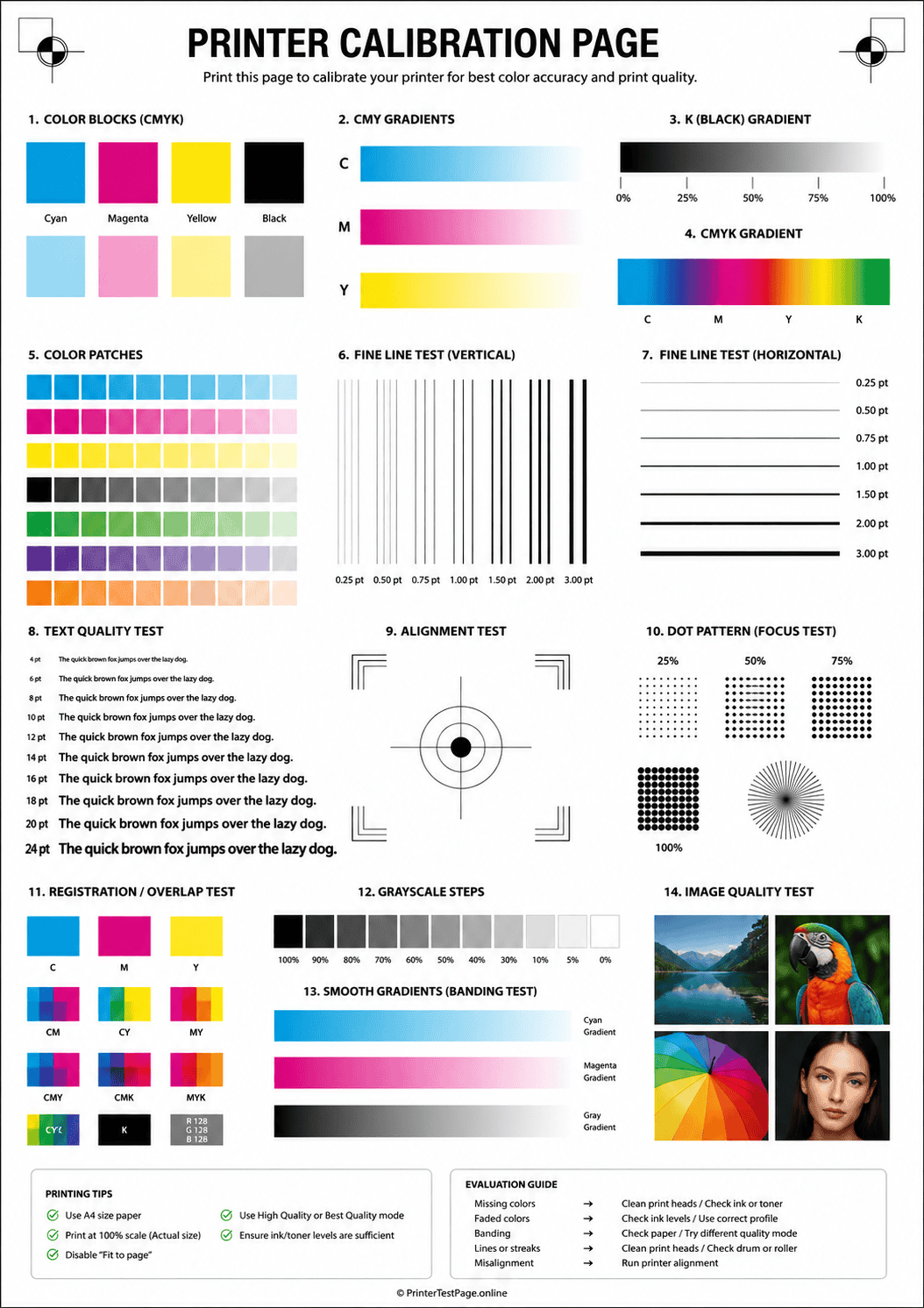
CALIBRATION TEST PAGE PREVIEW
Below is a preview of the calibration test page. Click print to get the best results.
WHAT DOES THIS TEST PAGE CHECK?
This calibration test page measures every critical parameter that affects your printer’s output accuracy and consistency.
Color Accuracy
Compare printed color swatches to reference values to detect color shifts, casts, or inaccurate hue reproduction.
Grayscale Balance
Check that gray tones from light to dark transition smoothly without color tinting or sudden jumps.
Line Sharpness
Evaluate fine line clarity and edge definition to ensure text and graphics print crisp without bleeding or fuzzing.
Density Uniformity
Verify that solid areas print with even density across the full page without light spots, streaks, or blotches.
Registration Precision
Confirm that color layers (CMYK) align precisely on top of each other with no visible offset or fringing.
Gradient Smoothness
Test smooth tonal transitions from light to dark across all colors to detect banding, posterization, or stepping.
HOW TO READ THE RESULTS
RELATED TEST PAGES
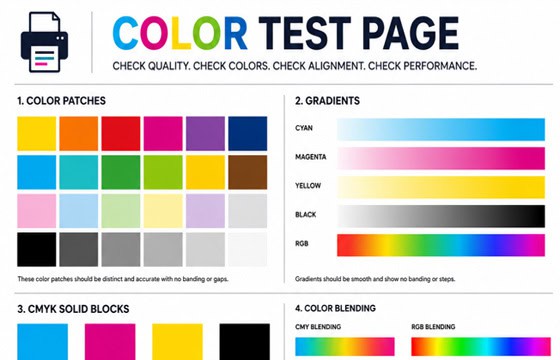
Color Test Page
Full color accuracy and quality check.
View Page →
Black & White Test Page
Test black ink density and sharpness.
View Page →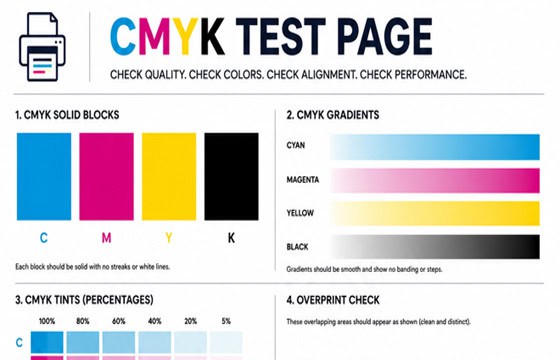
CMYK Test Page
Check individual CMYK channels.
View Page →
Alignment Test Page
Verify print alignment and margins.
View Page →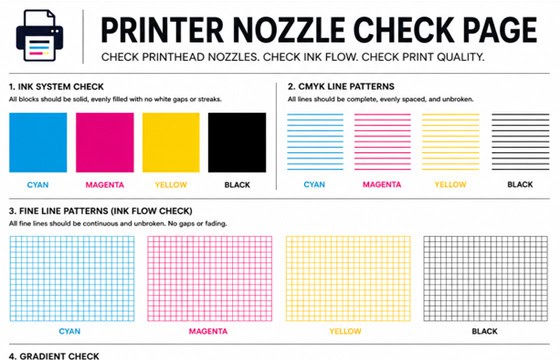
Nozzle Check Page
Detect clogged nozzles and gaps.
View Page →Frequently Asked Questions
A printer calibration test page is a standardized diagnostic sheet with color patches, grayscale ramps, gradient strips, fine-line targets, and density blocks. By printing it and comparing the output to the digital reference, you can identify color shifts, grayscale imbalance, blurry lines, uneven density, registration errors, and banding — then adjust your printer settings to correct them and achieve consistent, professional-quality output.
For most home and office printers, calibrating once a month is sufficient. However, you should recalibrate immediately after replacing ink or toner cartridges, switching paper types, moving the printer to a new location, or updating printer firmware. If you do color-critical work like photography or graphic design, calibrating weekly ensures the most consistent results.
Monitors display color using RGB (light-based), while printers reproduce color using CMYK (ink-based). These two color spaces do not overlap perfectly, so some on-screen colors cannot be exactly replicated in print. Additionally, incorrect ICC profiles, uncalibrated monitors, wrong paper type settings, and driver-level color adjustments can all widen the gap between screen and print. Using the calibration test page helps you minimize this difference by fine-tuning your printer settings.
Yes, this calibration test page works with both inkjet and laser printers. For inkjet printers, it helps you verify nozzle health, color accuracy, and ink density. For laser printers, it tests toner distribution, fuser quality, color registration, and gradient rendering. Both printer types benefit from regular calibration, though the specific maintenance steps differ — inkjet printers may need nozzle cleaning, while laser printers may need toner redistribution or drum cleaning.