
Black & White
Printer Test Page
Print this black and white test page to check black ink levels, text sharpness, grayscale accuracy, line quality and overall monochrome performance of your printer.
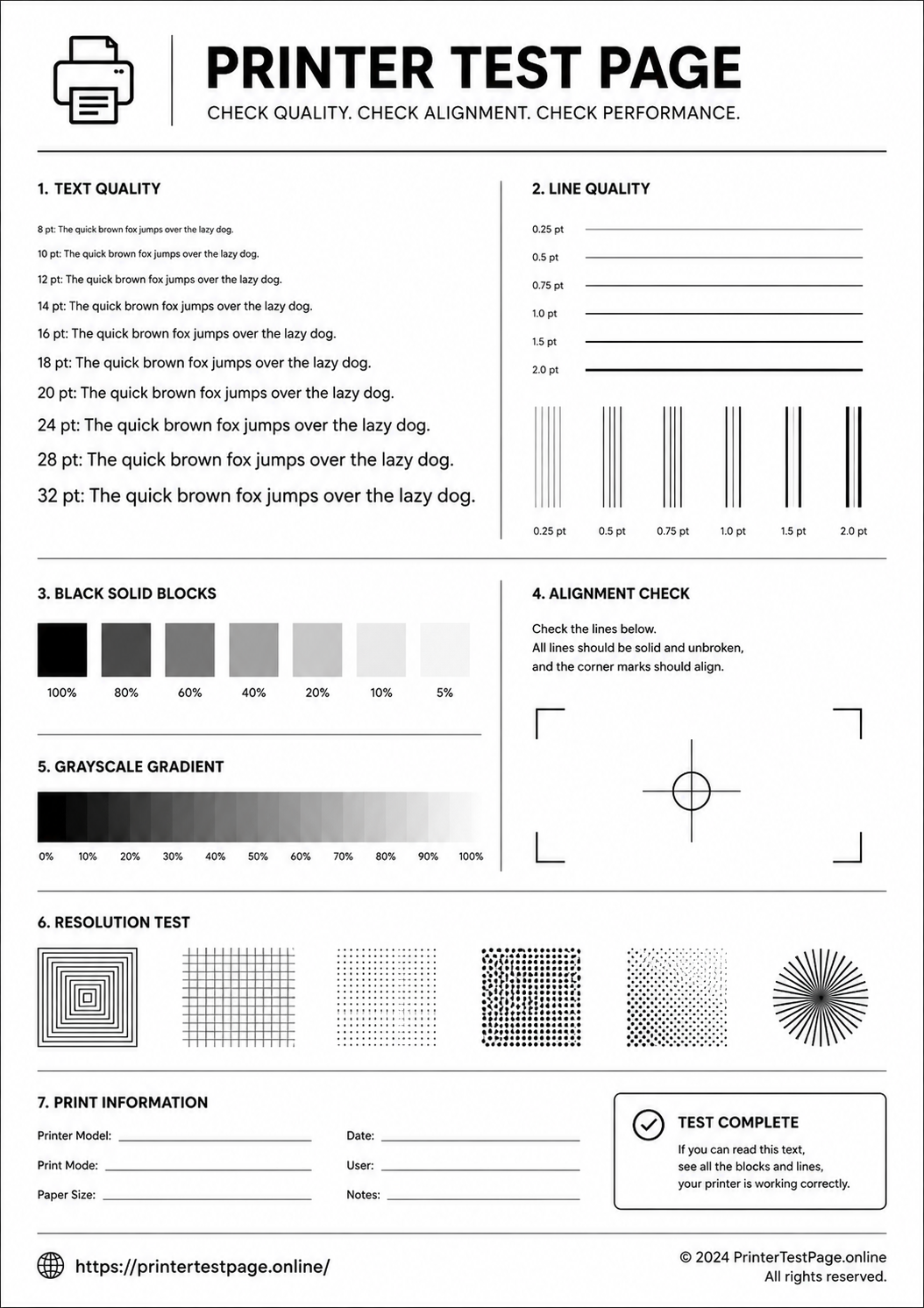
B&W TEST PAGE PREVIEW
Below is a preview of the test page. Click print to get the best results.
WHAT DOES THIS TEST PAGE CHECK?
This black and white test page helps you evaluate all key aspects of your printer’s monochrome output.
Black Ink Density
Check if black ink is printing at full darkness and proper density levels.
Text Sharpness
Verify that text at various sizes prints crisp, clear and readable.
Grayscale Range
Evaluate smooth transitions from white through all grays to pure black.
Line Quality
Test fine line rendering at different thicknesses and directions.
Print Alignment
Detect any horizontal or vertical misalignment in the print output.
Pattern Accuracy
Verify that halftone patterns and fill patterns print without defects.
HOW TO READ THE RESULTS
RELATED TEST PAGES
Color Test Page
Check full color accuracy and quality.
View Page →
CMYK Test Page
Check CMYK color accuracy and balance.
View Page →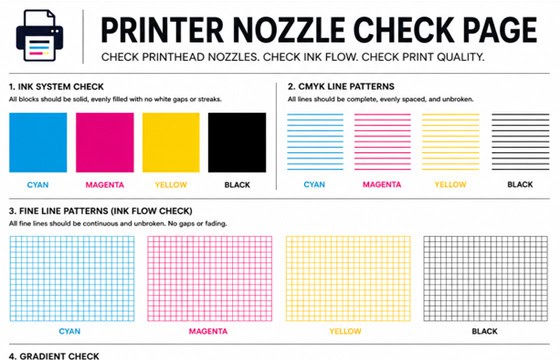
Nozzle Check Page
Check printhead nozzles and ink flow.
View Page →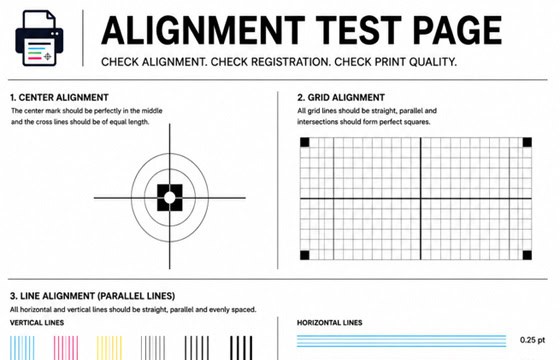
Alignment Test Page
Check print alignment and positioning.
View Page →
Photo Print Test Page
Test photo print quality and depth.
View Page →Frequently Asked Questions
A black and white printer test page is a diagnostic page designed specifically to test your printer’s monochrome output. It includes solid black blocks for checking ink density, text at various sizes for sharpness testing, grayscale gradients for tonal accuracy, fine line patterns for detail quality, and alignment markers. It helps you quickly determine if your black ink or toner cartridge is performing correctly.
The most common reasons for a printer not printing black are: an empty or low black ink/toner cartridge, clogged printhead nozzles (inkjet), a cartridge not seated properly, dried ink from the printer sitting idle too long, or the cartridge’s protective tape not being removed. Start by checking ink levels, then reseat the cartridge and run 2-3 printhead cleaning cycles.
Faded black text is usually caused by low ink or toner, economy/draft mode being enabled, or incorrect print density settings. First, check your ink or toner levels and replace if low. Then open your print settings and switch from “Draft” or “Economy” to “Normal” or “Best” quality. For laser printers, also try removing and gently shaking the toner cartridge side to side to redistribute the toner evenly.
Yes, this black and white test page works perfectly with both inkjet and laser printers. For laser printers, it is especially useful for checking toner density, drum condition (by looking for repeating marks), and fuser quality (by checking if toner smudges when rubbed). It works with all major brands including HP LaserJet, Brother, Canon, Samsung, Xerox, and Lexmark laser printers.