
Canon Printers
Canon Printer
Test Page
Print this Canon-optimized test page to diagnose print quality issues on any Canon inkjet or laser printer. Check color accuracy, text clarity, printhead alignment, nozzle health, and ink coverage — tailored specifically for Canon PIXMA, MAXIFY, imageCLASS, and SELPHY printers.
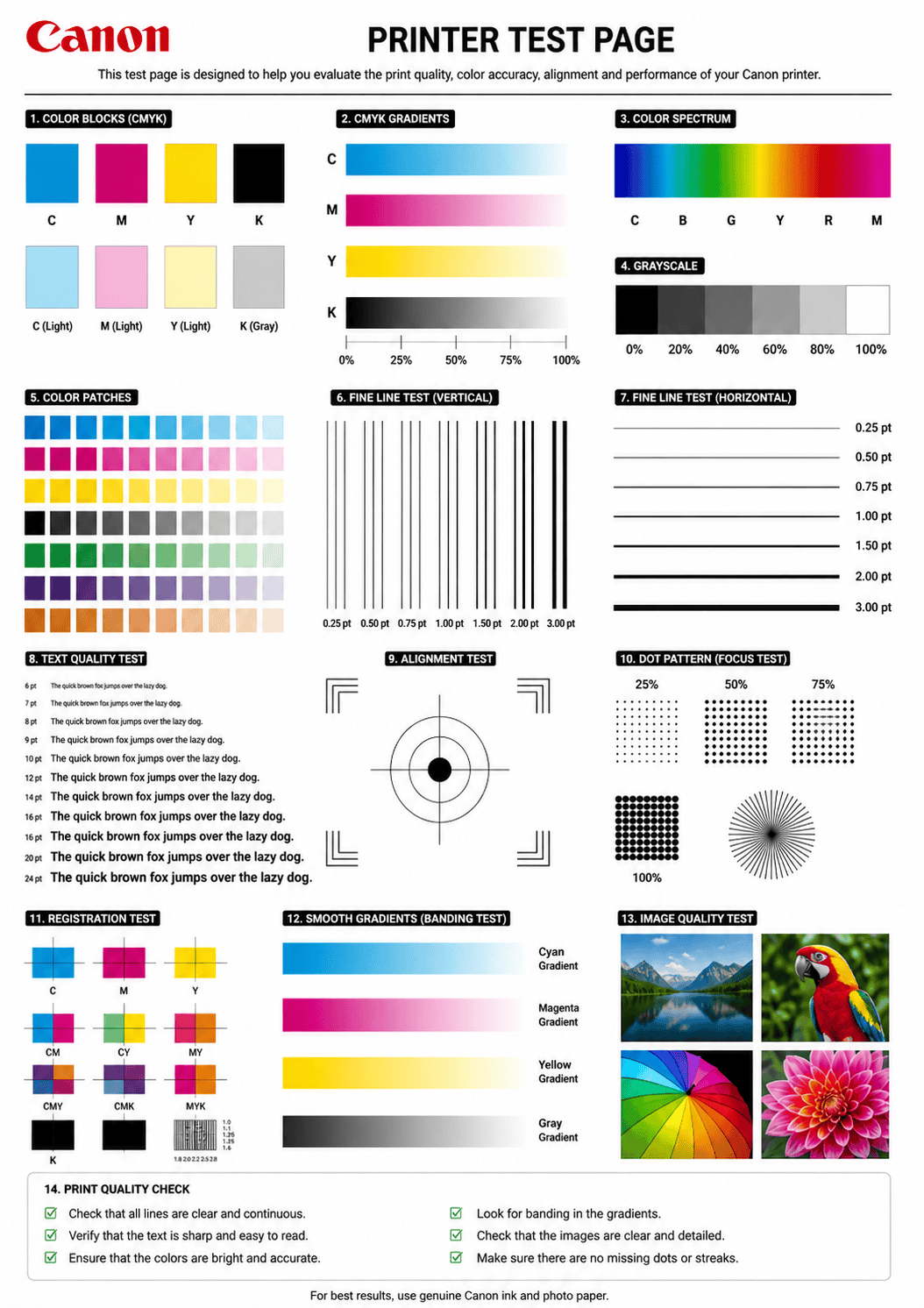
CANON TEST PAGE PREVIEW
Below is a preview of the Canon printer test page. Click print to get the best results.
WHAT DOES THIS CANON TEST PAGE CHECK?
This Canon-specific test page evaluates every critical aspect of your Canon printer’s output quality and hardware health.
Canon Color Accuracy
Verify that all Canon ink or toner colors — including ChromaLife100+ inks — print accurately without shifts or casts.
Text & Font Clarity
Test text rendering at multiple sizes to detect blurry characters, ink bleeding, or broken fonts on Canon printers.
Print Head Alignment
Check if the Canon FINE or Canon Full-photolithography printhead is properly aligned for precise output.
Nozzle & Ink Flow
Detect clogged nozzles, missing lines, and ink flow problems specific to Canon PIXMA and MegaTank models.
Ink & Toner Density
Inspect solid fills for even coverage — spot pinholes, streaks, or light patches in Canon imageCLASS toner output.
Gradient & Banding
Evaluate smooth tonal transitions to detect visible banding or posterization in Canon print output.
HOW TO READ THE RESULTS
CANON PRINTER SERIES TROUBLESHOOTING
Canon PIXMA & MegaTank
Home inkjet printers. Common issues: clogged nozzles from infrequent use, ink smearing, air bubbles in MegaTank refill system. Run Nozzle Check pattern from Maintenance menu regularly.
Canon MAXIFY
Business inkjet printers. Common issues: print head alignment after ink swap, paper jam in ADF, duplex registration offset. Use Canon PRINT Inkjet/SELPHY app for diagnostics.
Canon imageCLASS
Mono and color laser. Common issues: toner streaks, ghosting, fuser marks, drum wear. Shake toner cartridge gently and run a cleaning page from the Service menu.
RELATED TEST PAGES
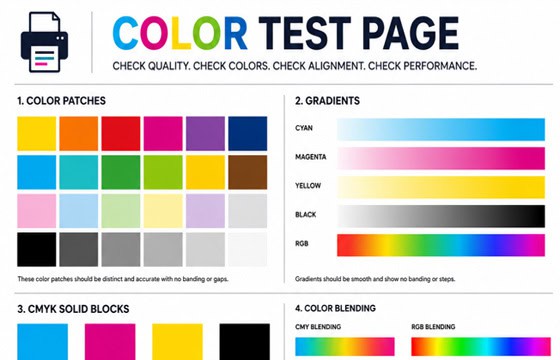
Color Test Page
Full color accuracy and quality check.
View Page →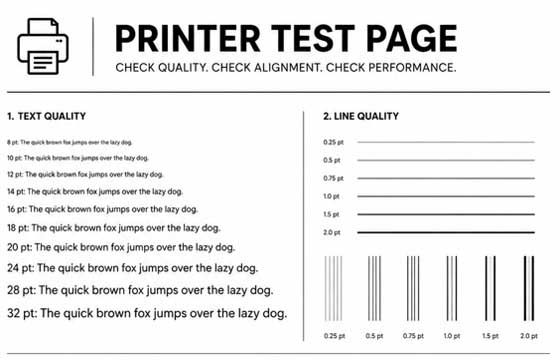
Black & White Test Page
Test black ink density and sharpness.
View Page →
Alignment Test Page
Verify print alignment and margins.
View Page →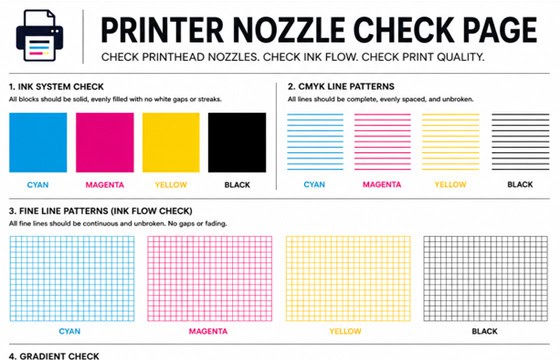
Nozzle Check Page
Detect clogged nozzles and gaps.
View Page →
Photo Print Test Page
Test photo quality and color depth.
View Page →Frequently Asked Questions
You can print a test page directly from this website by clicking the “Print Test Page” button above. Alternatively, print Canon’s built-in nozzle check pattern from the printer itself: on PIXMA models with a screen, go to Setup > Maintenance > Nozzle Check. On models without a screen, press and hold the Stop/Reset button for about 5 seconds until the power light blinks. You can also use the Canon PRINT Inkjet/SELPHY app on your phone to run diagnostics remotely.
Blank or faded pages on Canon printers are usually caused by: empty or very low ink tanks, protective orange cap or tape not fully removed from a new cartridge, clogged print head nozzles from infrequent use, or air trapped in the MegaTank ink system. Check ink levels on the LCD screen or Canon PRINT app, remove and reseat all ink tanks, and run Maintenance > Cleaning from the printer menu. For Canon MegaTank models, ensure ink bottles were properly squeezed until the tank is full.
On Canon PIXMA printers: go to Setup > Maintenance > Cleaning and follow the prompts. If standard cleaning does not fix the issue, run Deep Cleaning from the same menu — this uses more ink but clears stubborn clogs. Wait at least 5 minutes between cleaning cycles. On Canon printers with a removable print head (like PIXMA PRO series), you can physically remove the head and soak it in warm distilled water for 10–15 minutes, then blot dry before reinstalling. Never exceed 3 deep cleaning cycles in a row.
While third-party ink cartridges may work in Canon printers, they can cause issues including: inaccurate color reproduction, increased nozzle clogging due to different ink formulations, “ink not recognized” errors, and potentially voiding your warranty. Canon’s genuine ink is specifically formulated for their FINE print heads and ChromaLife100+ longevity system. If you choose to use third-party ink, run nozzle checks more frequently and be prepared for more printhead cleanings. This test page will help you evaluate output quality regardless of which ink you use.