
Color Printer
Test Page
Print this color test page to check color accuracy, gradients, CMYK balance, print quality and overall performance of your printer.
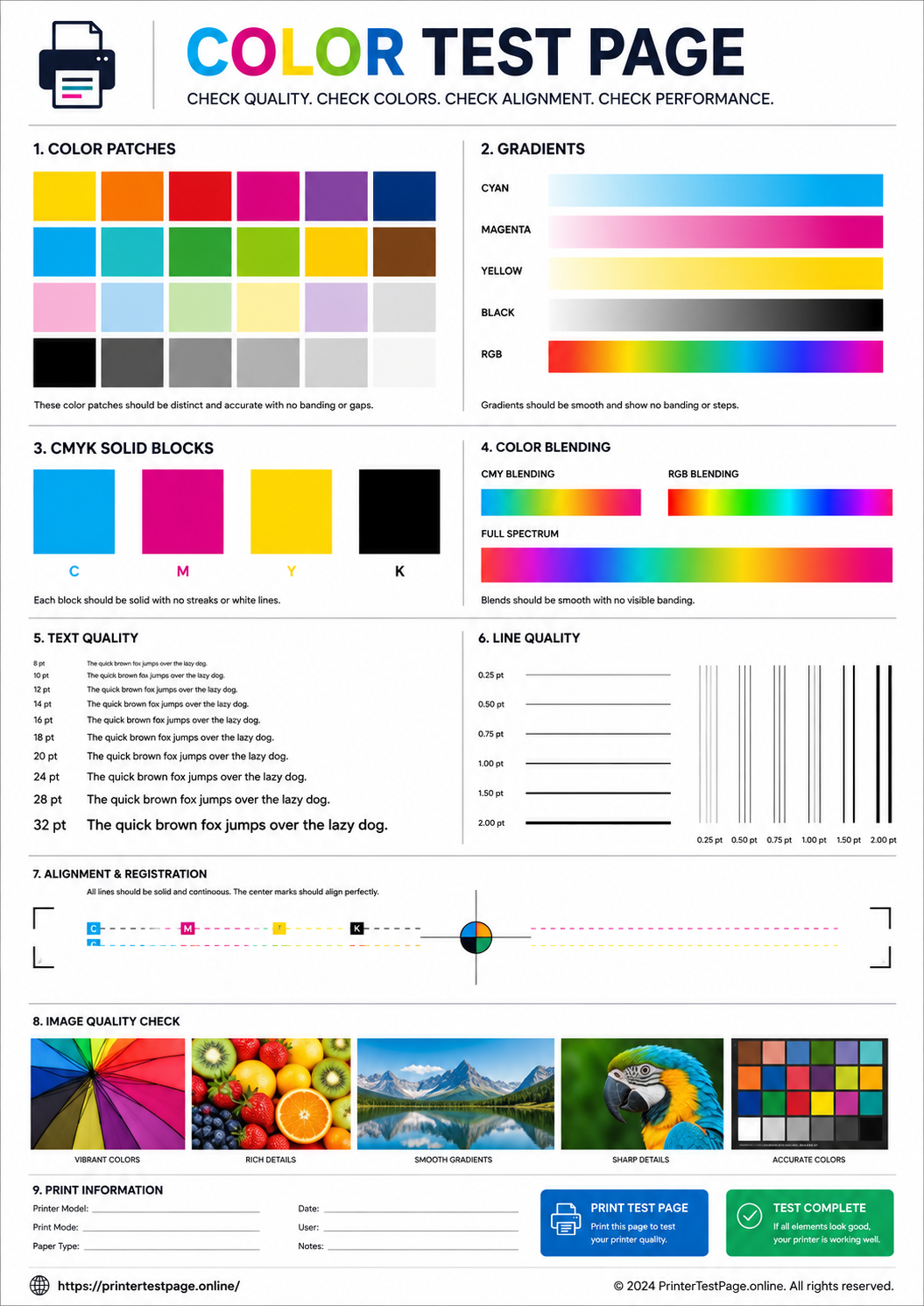
COLOR TEST PAGE PREVIEW
Below is a preview of the test page. Click print to get the best results.
WHAT DOES THIS TEST PAGE CHECK?
This color test page helps you evaluate all key aspects of your printer’s color performance.
Color Accuracy
Check if colors are printed correctly and match expected output.
Gradients
Ensure smooth color transitions without banding or striping.
CMYK Balance
Verify proper balance of Cyan, Magenta, Yellow and Black ink/toner.
Print Alignment
Detect misalignment or head positioning issues.
Nozzle Health
Identify clogged nozzles or missing dots/lines.
Overall Quality
Evaluate sharpness, contrast, saturation and print quality.
HOW TO READ THE RESULTS
RELATED TEST PAGES
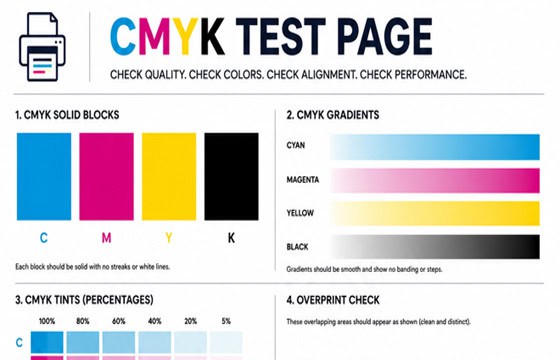
CMYK Test Page
Check CMYK color accuracy and balance.
View Page →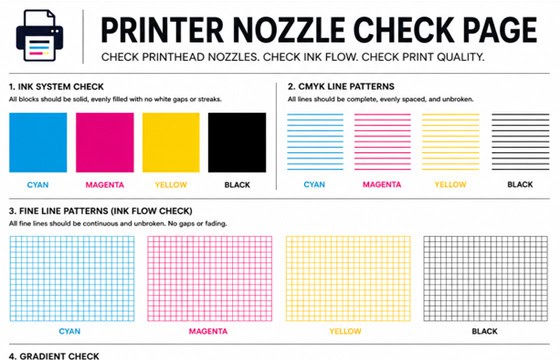
Nozzle Check Page
Check printhead nozzles and ink flow.
View Page →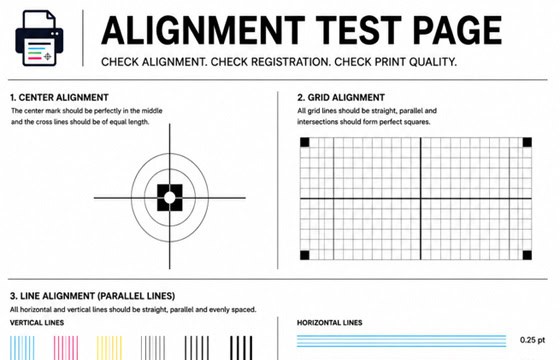
Alignment Test Page
Check print alignment and head positioning.
View Page →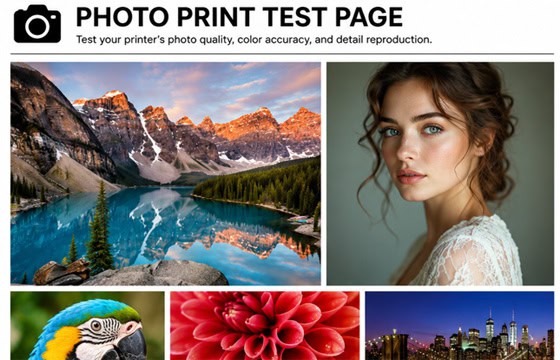
Photo Print Test Page
Test photo print quality and color depth.
View Page →
Black & White Test Page
Test black text quality and sharpness.
View Page →Frequently Asked Questions
A color printer test page is a specially designed diagnostic page that tests all aspects of your printer’s color output. It includes solid color blocks, color gradients, CMYK bars, alignment patterns, text quality tests, and image quality tests. By comparing your printed output with the digital preview, you can quickly identify issues like missing colors, clogged nozzles, misalignment, or incorrect color balance.
Click the “Print Test Page” button above. Your browser’s print dialog will open automatically. Make sure to select “Best” or “High Quality” print mode, use A4 or Letter size paper, and print in full color (not grayscale). For best results, disable “Fit to Page” to maintain the original size and proportions of the test elements.
Missing colors usually indicate a clogged printhead nozzle or an empty/low ink cartridge. First, check your ink levels in the printer software. If ink levels are fine, run the printhead cleaning cycle 2-3 times. Print the test page again after each cleaning to check for improvement. If the problem persists, the cartridge may need replacement.
Yes, this color test page works with all major printer brands including HP, Canon, Epson, Brother, Samsung, Xerox, and Lexmark. It is compatible with both inkjet and laser printers. The test page is designed at 300 DPI resolution to work optimally across different printer types and models.