
Printer Test Page
Downloads
Download free printer test pages, calibration sheets, alignment charts, nozzle check pages and troubleshooting resources for all major printer brands.
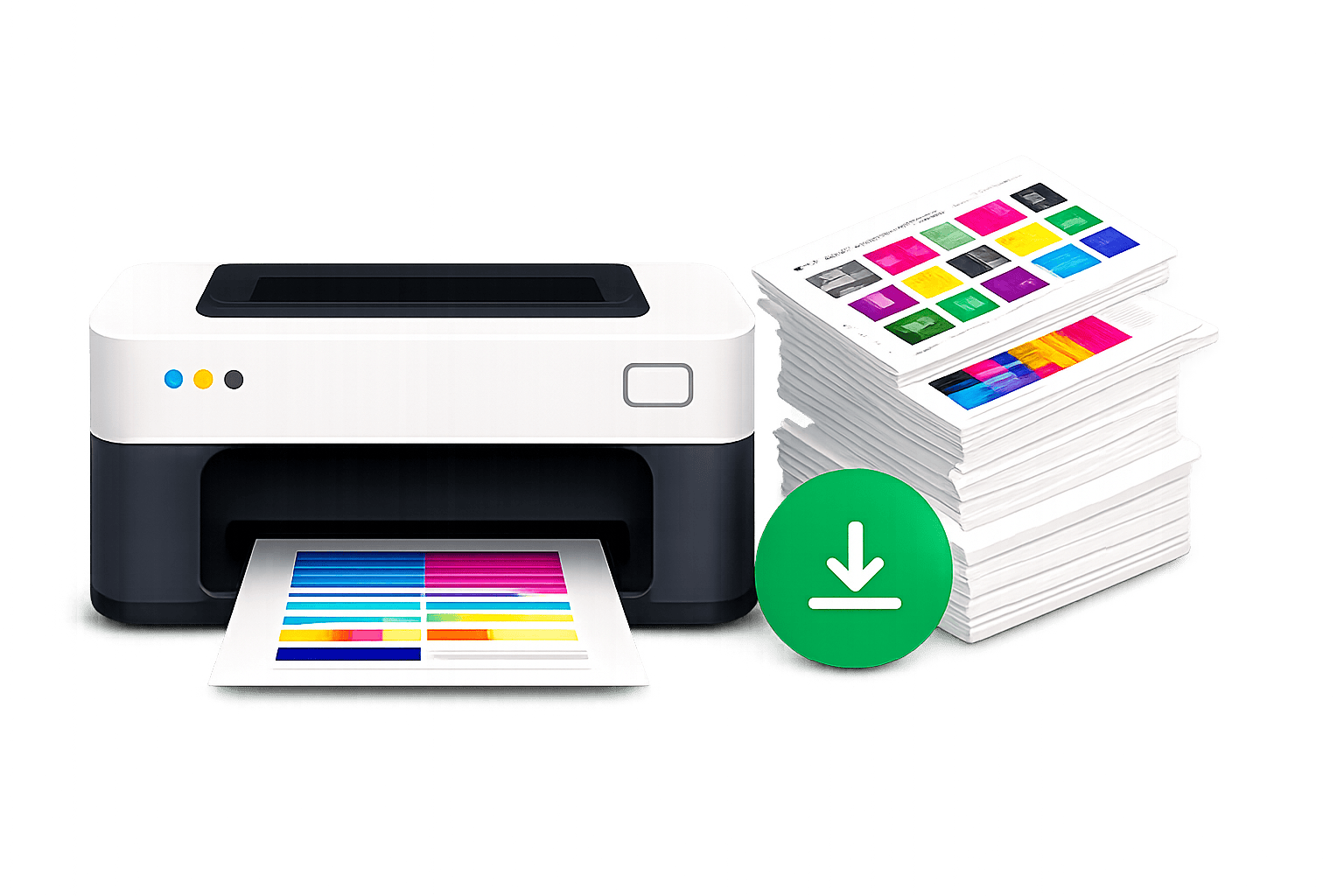
Browse by Category
View all categories →Color Test Pages
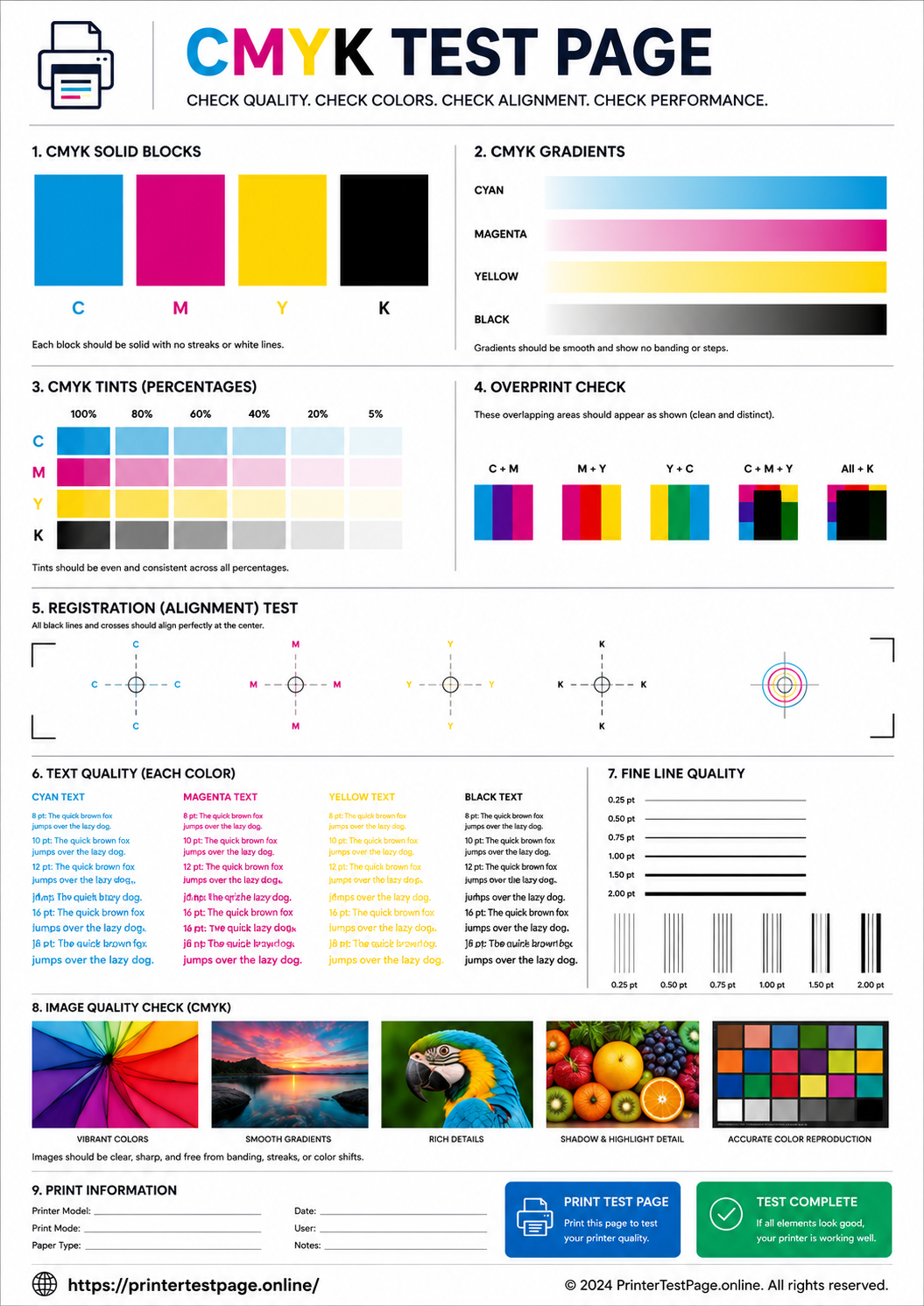
Color accuracy, CMYK, gradients and more.
12 FilesBlack & White Test Pages
B&W test pages for quality and clarity check.
8 FilesAlignment Test Pages
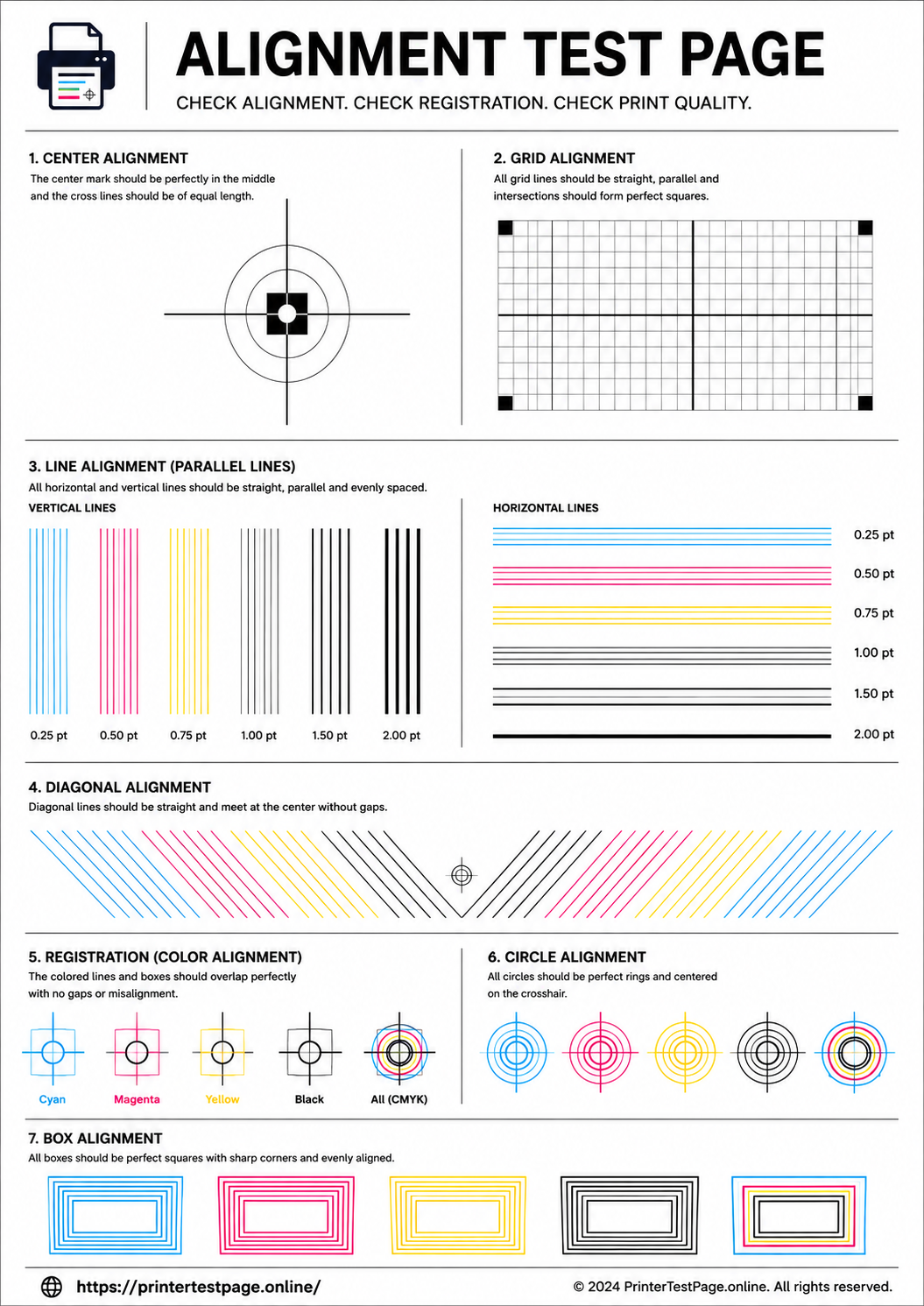
Check alignment, registration and print accuracy.
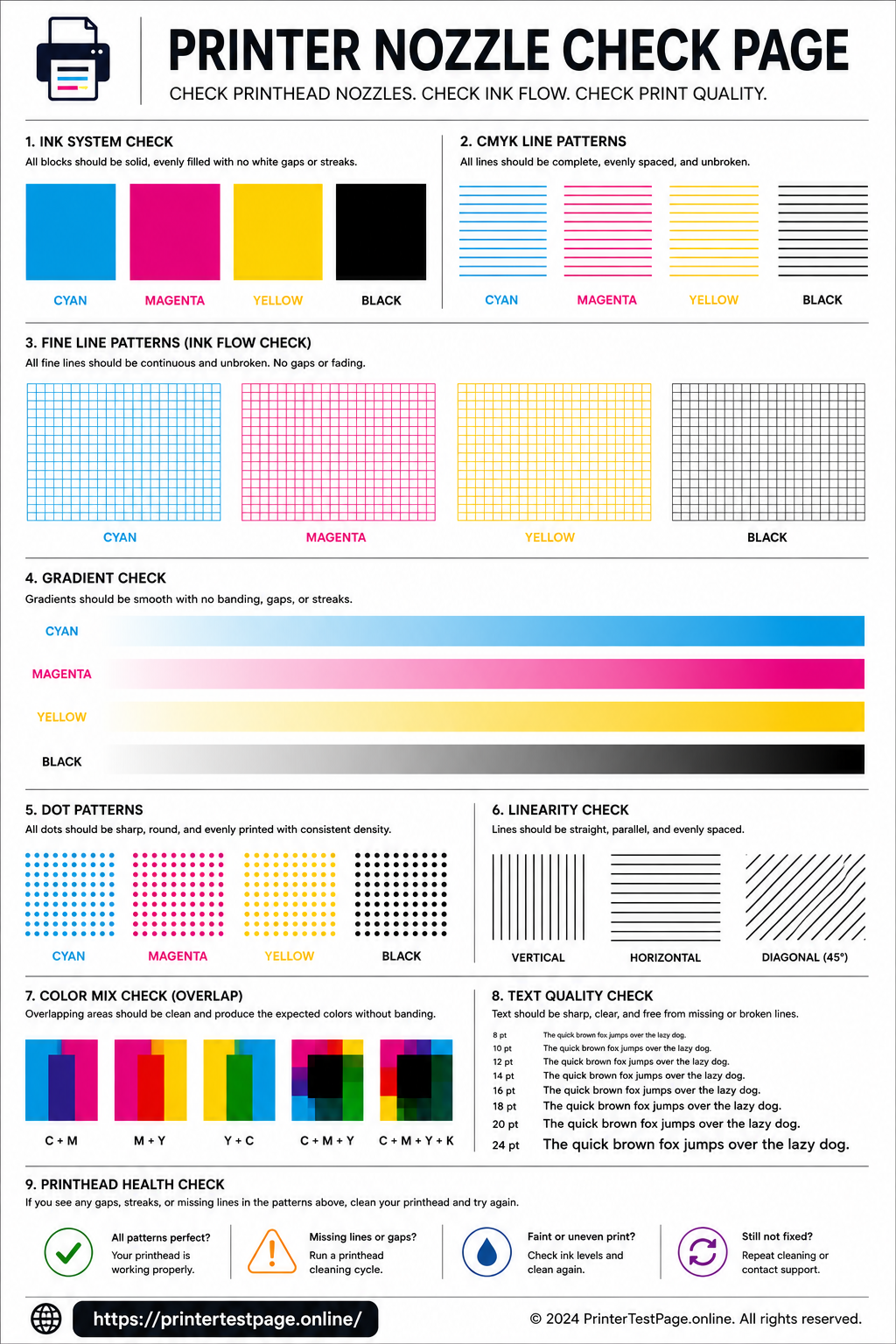
7 FilesNozzle Check Pages
Find and fix missing dots and clogged nozzles.
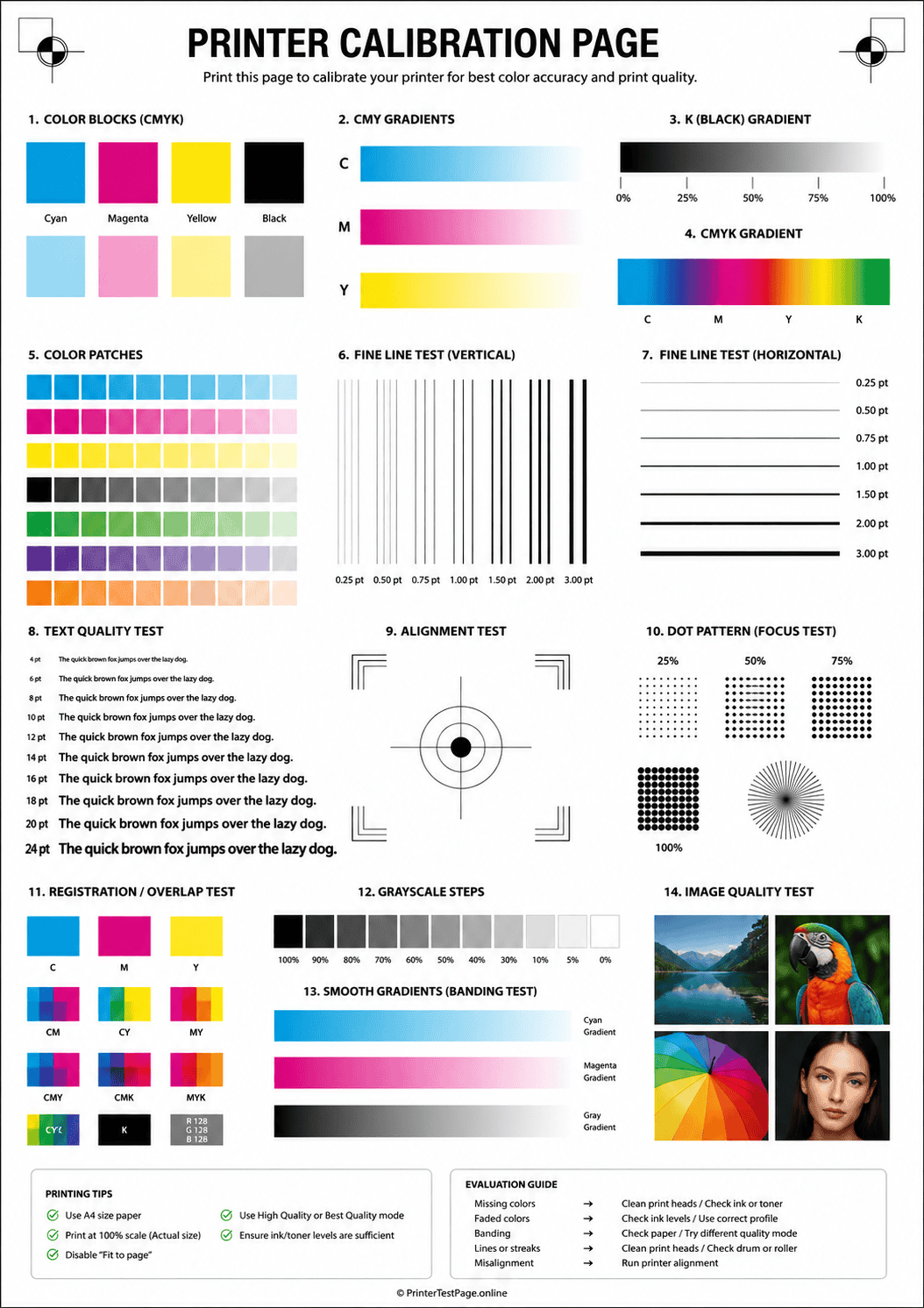
7 FilesCalibration Pages
Calibrate your printer for best print performance.
6 FilesPhoto Print Test Pages
Test photo quality, contrast and color reproduction.
6 FilesMost Popular Downloads
View all popular →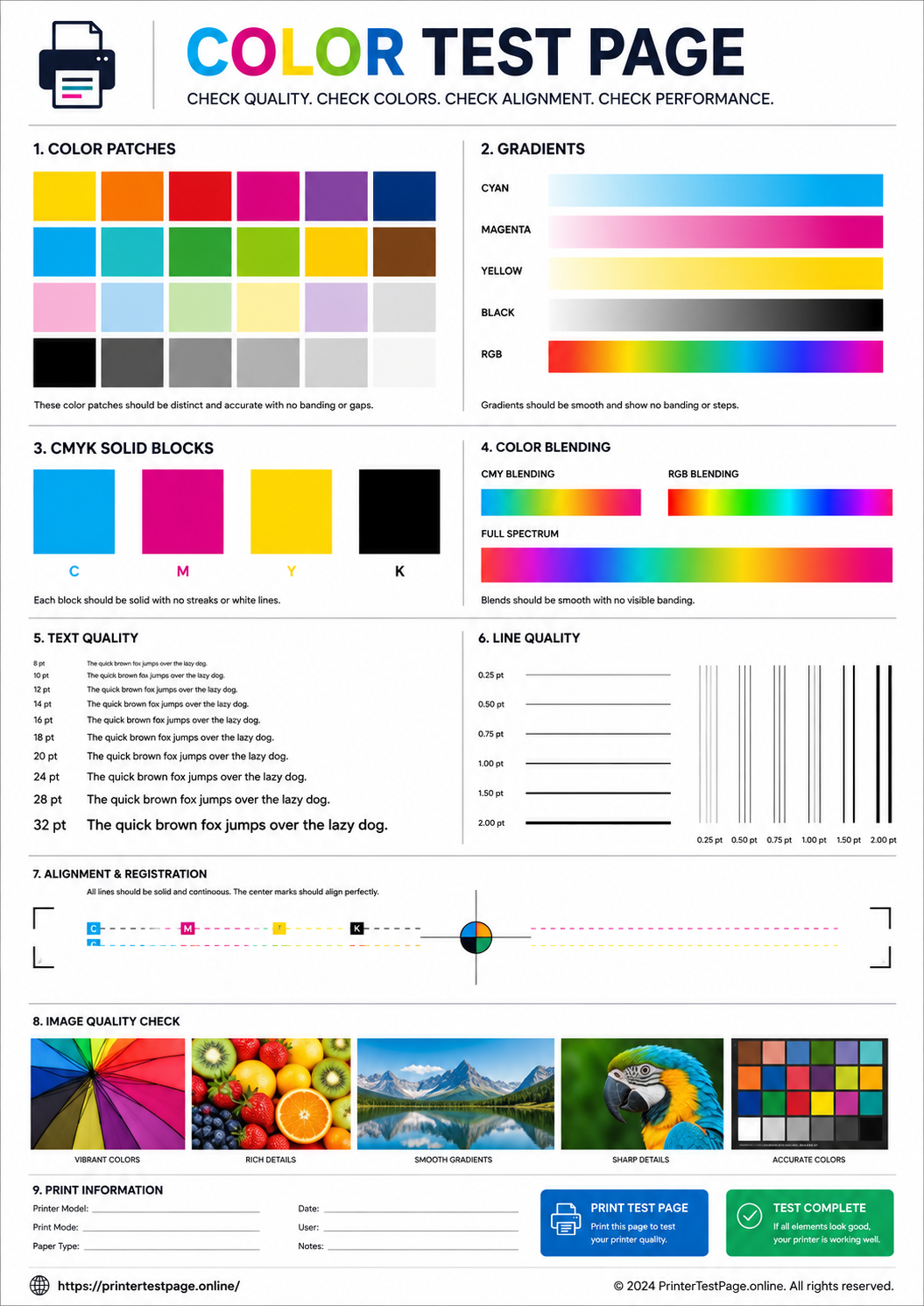
Find the Right Resource
All Downloadable Resources
Helpful Guides & Checklists
View all guides →How to Use Test Pages
Download the test page
Choose the test page you need and download the PDF file.
Print at Actual Size
Select “Actual Size” or “100%” in your printer settings.
Check the Results
Examine the printed page and compare with the examples.
Diagnose & Fix
Follow the troubleshooting guides to fix any issues.
Frequently Asked Questions
Yes, all test pages on PrinterTestPage.online are 100% free. No signup, no account, no hidden fees. Download and print as many times as you need.
Our test pages work on both A4 and US Letter paper sizes. Select the size that matches the paper loaded in your printer. A4 is standard internationally, while Letter (8.5 x 11 in) is common in North America.
In your print dialog, look for a scaling option and set it to “Actual Size”, “100%”, or “None”. Make sure “Fit to Page” or “Shrink to Fit” is turned off. This ensures the test patterns print at their intended dimensions for accurate diagnostics.
If the test page does not print correctly, that is actually the diagnostic doing its job — it has revealed a problem. Check the “How to Read Results” section on each test page to identify the specific issue, then follow the recommended fix for your printer type.
Our test pages work with all major printer types — inkjet, laser, LED, thermal, and multifunction printers from HP, Canon, Epson, Brother, Samsung, Lexmark, and more. Some test pages (like nozzle check) are inkjet-specific, which is noted on the page.
All Resources Are 100% Free
No signup, no limits. Download and print as many times as you need.